The Business OS
Your website, with the busywork wired around it.
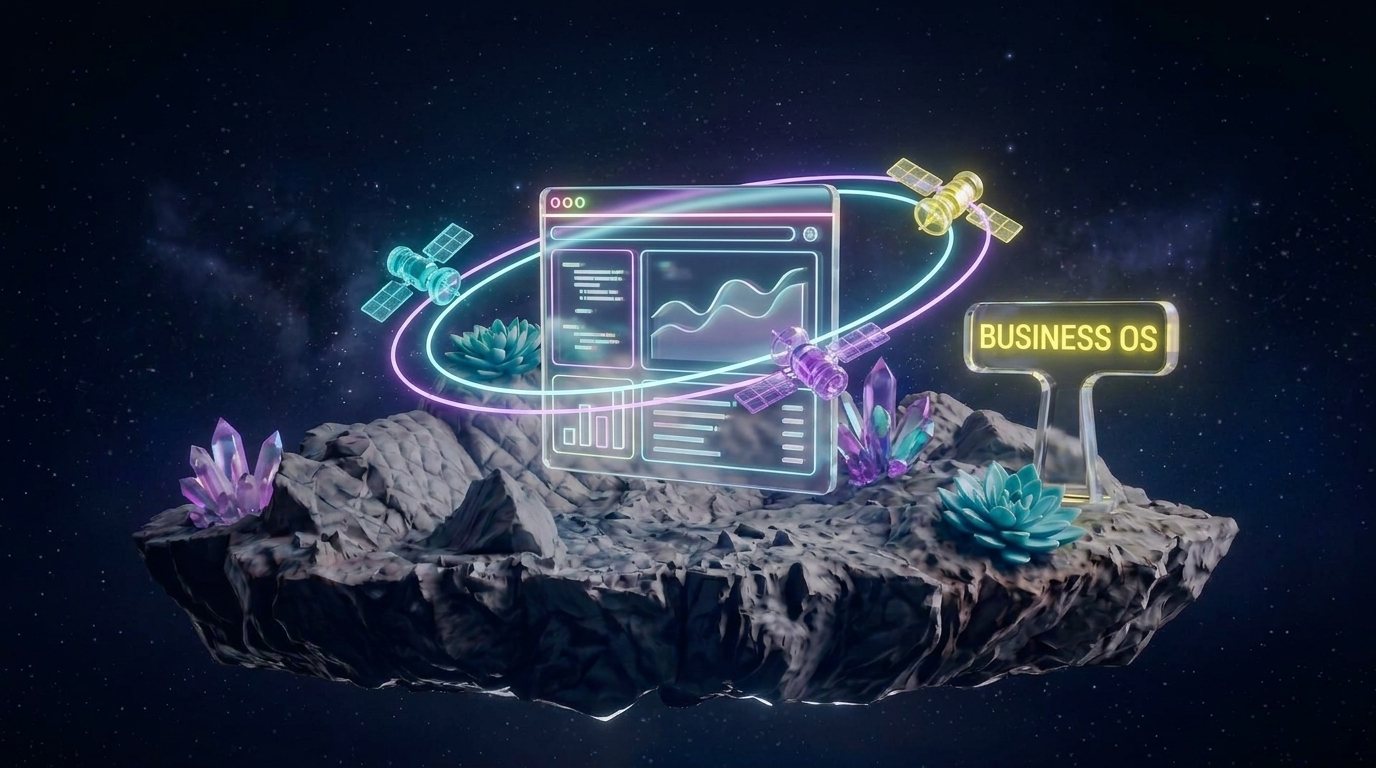
The Business OS is MK-Way's done-for-you package. A website at the centre of your business, with sales, operations and marketing automations built around it, so the repetitive work happens without you.
Payload
One thing you buy, four jobs it does.
The website is the core. Sales, operations and marketing are wired around it, and each one is a small agent with one job and a private second brain that knows your business.

The website
the coreA site built around the customers you want, on a fast, simple stack you own. It's the front door and the hub. Every automation plugs into it.

Sales
Enquiries land in one place. Quotes go out the same day, with your pricing and your wording. Follow-ups send on a schedule until someone answers, then stop.
Operations
New clients get their welcome, forms and first steps without you writing them. Overdue invoices get a polite reminder on time. Handover notes build themselves from what your system already knows.

Marketing
Posts, short videos and email go out on a rhythm you set once. You approve, it publishes. Your brand stays consistent because the system knows your brand.
How an automation runs
Your tools talk to one brain. The work comes out the other side.
Nothing to learn. Your website, your boards and your inbox already talk to it. Each job is one small agent with one task and a private second brain that knows your prices, your wording and your clients.
What talks to it
Codewith your second brain: prices, wording, clients
One small agent per job. Tested on MK-Way first.
Flight plan
How does it work? Four steps, one yes at each.
- 01
Map the manual work
We sit with you and list every job you do by hand each week. Quotes, chasing, onboarding, posting. We put a rough hours figure next to each one.
- 02
Build the site
We design and build the website around your customers and your offer. You see it and approve it. Nothing goes live without your yes.
- 03
Wire the automations
We connect the jobs from step one to the site, starting with the one that eats the most hours. Each one is tested on real work before you rely on it.
- 04
Hand over and keep improving
You get plain instructions and a walkthrough. We stay on to fix what breaks and add the next automation when you're ready.
To confirm: ongoing support / retainer terms
Who it's for
Built for owners who would rather run the business.
The established owner
You have a brand, maybe a store or two, and a business doing somewhere between $12,000 and $20,000 a month. Your week is full of things you know a computer should be doing. You don't want to learn a new tool. You want the work to stop landing on you.
The builder
You're building something of your own and you want it to look like a real company from day one. You need the brand, the site and the systems in place before the first customer arrives, without a payroll to run them.
To be clear
What it is not.
Not a coding course. We build it and run it. You use it.
Not a template. Your site is built around your customers and your offer, and the automations follow your actual process.
Not a chatbot bolted on. The work happens behind the scenes, in the tools you already use.
Questions & Answers
Questions owners ask before they buy.
How long does a Business OS build take?
What does it cost?
Do I need to understand AI to use it?
What happens if something breaks?
Can you add automations to the website I already have?
Make contact
Get a free Business O/S plan.
Tell us what you sell and where the hours go. You get back a one-page plan: what the website takes over first, what it costs, and what it saves.
- 1You send the note.
- 2We read it, look at what you've got, and reply with a plan or a question.
- 3If it's a fit, you get a scope and a price. If it isn't, we'll tell you who to call instead.